Our apps

Find the right app
for your day.

See the screens, get to know the features, and download an app when it is available.

GongbbangLearning · free on the App Store

Make room for
one more study day.

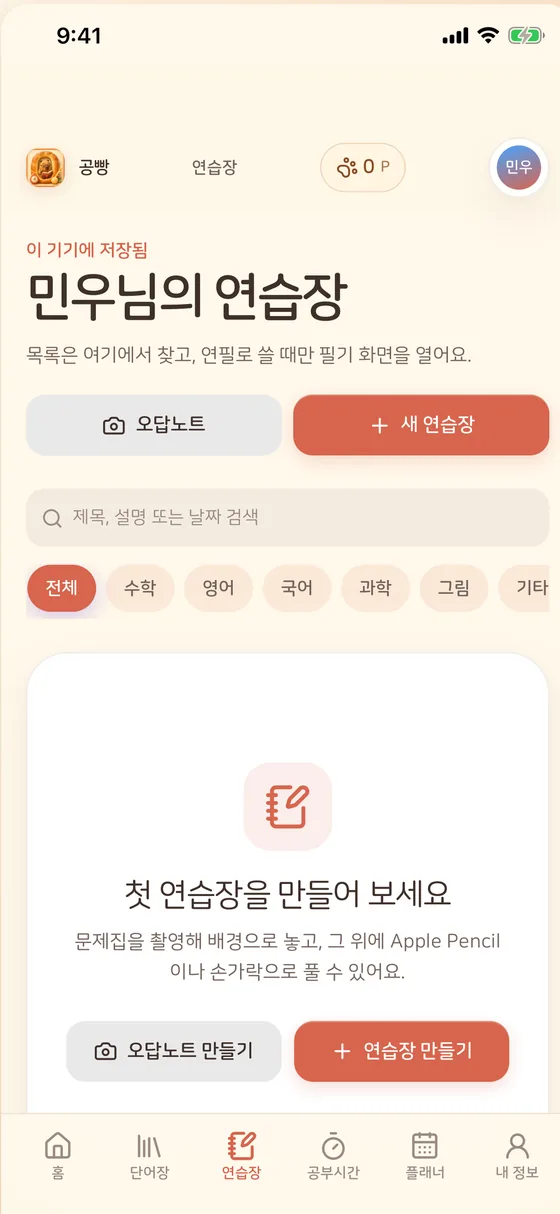
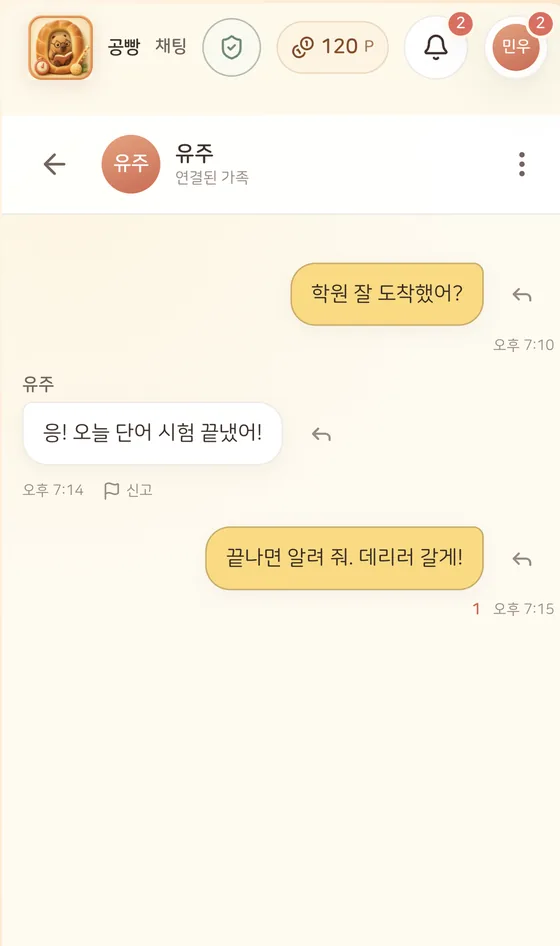
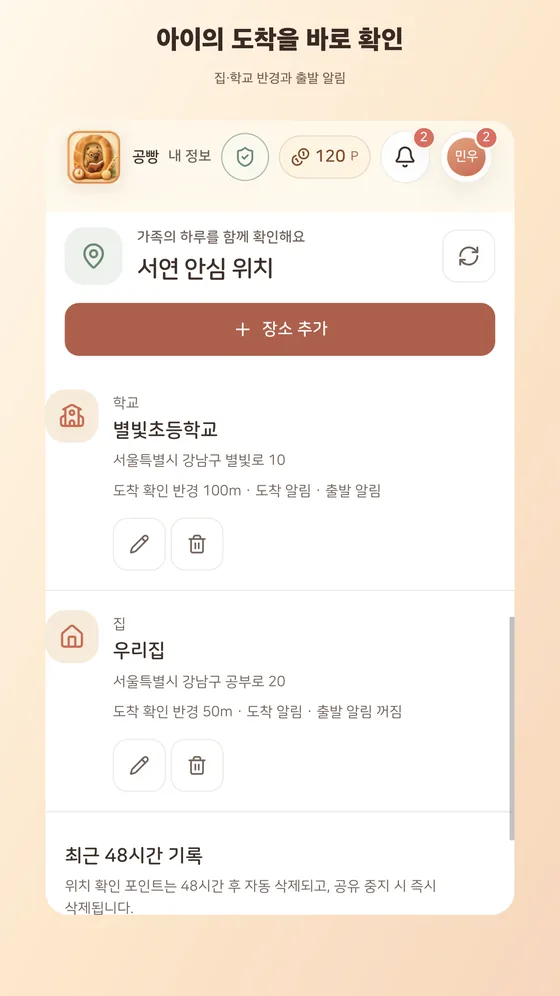
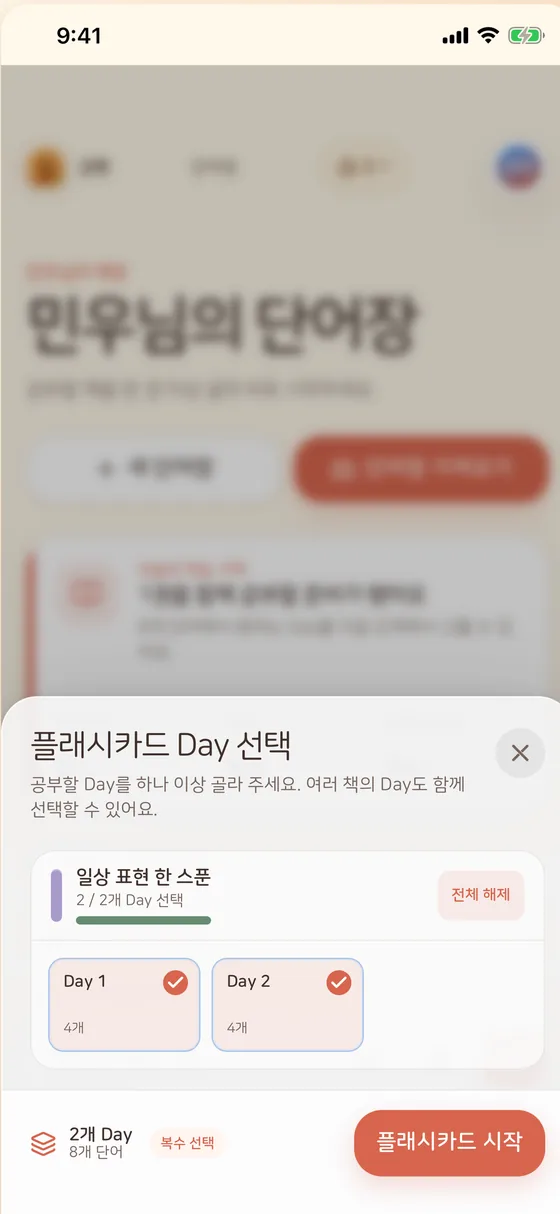
Create vocabulary lists, review with flashcards, and keep a study routine. Connected family members can chat and see arrival updates.

  • Vocabulary lists
  • Flashcards
  • Study timer
  • Practice pad
  • Family chat
  • Arrival updates
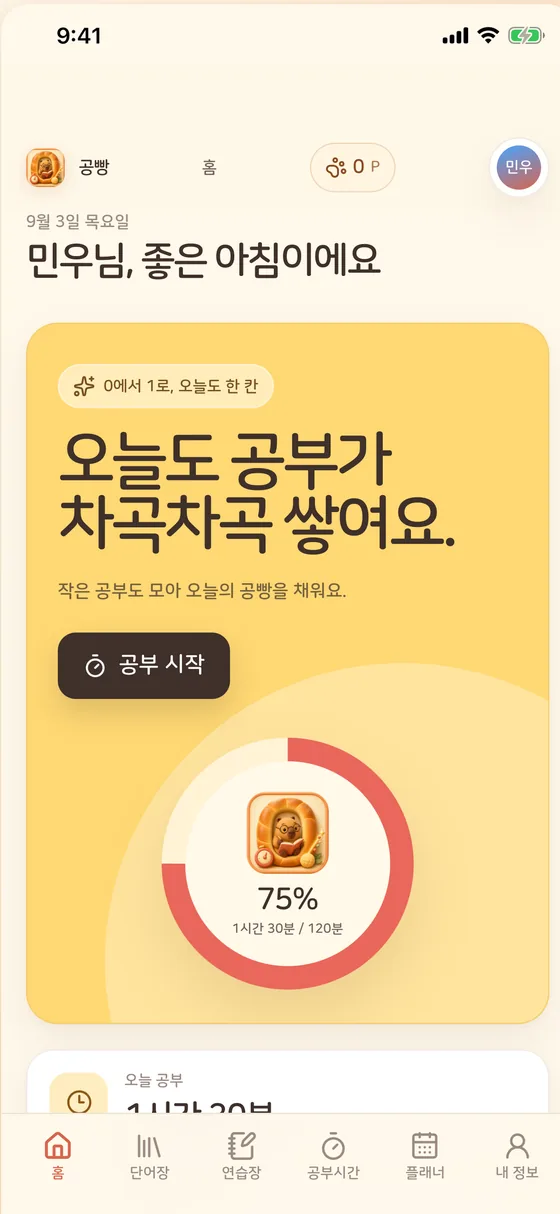
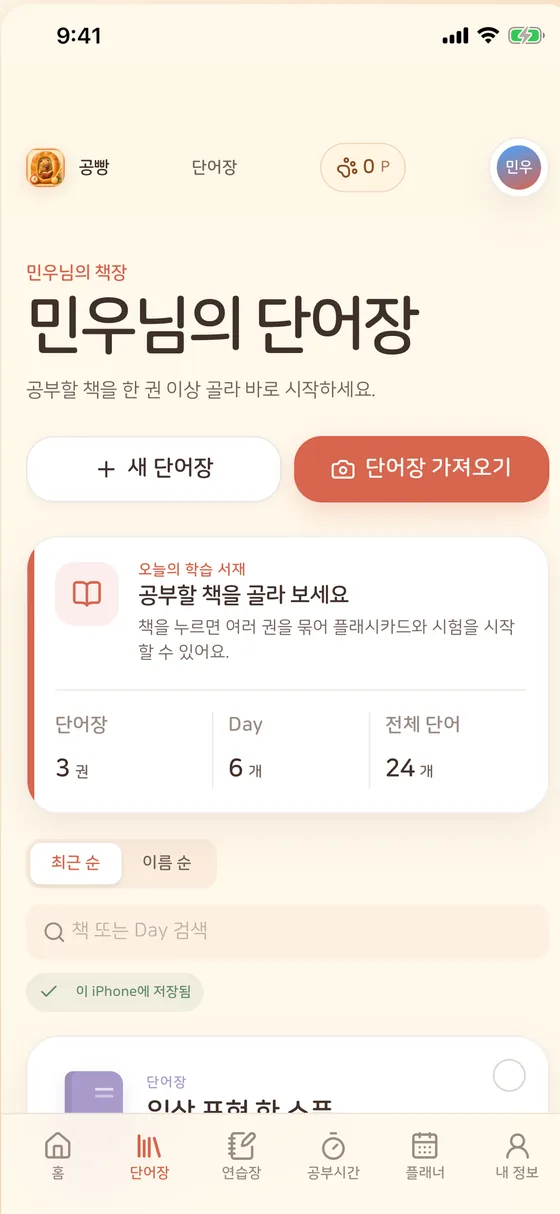
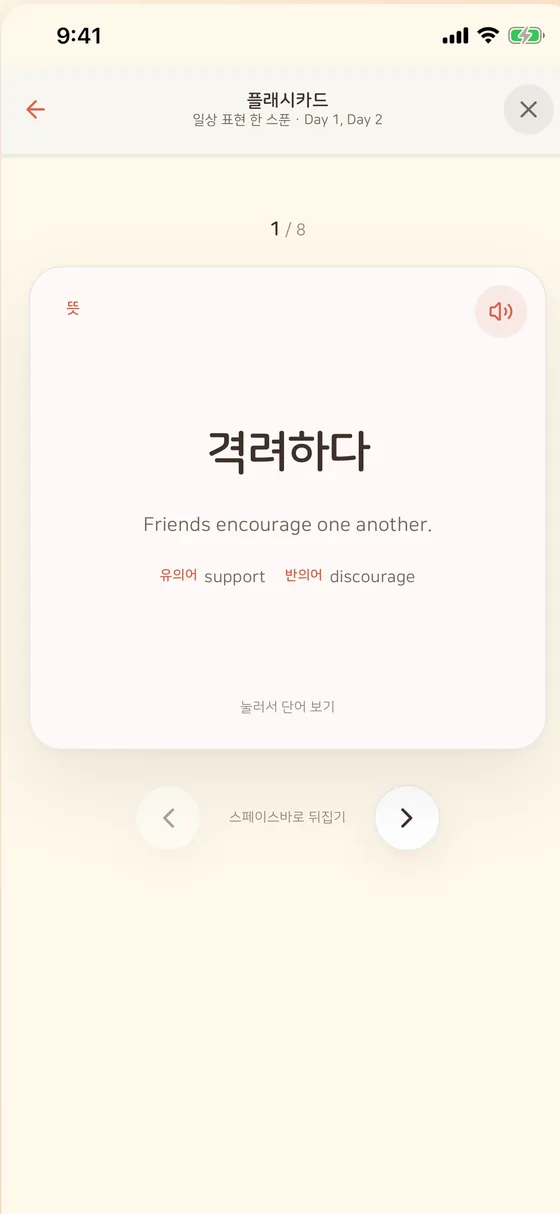
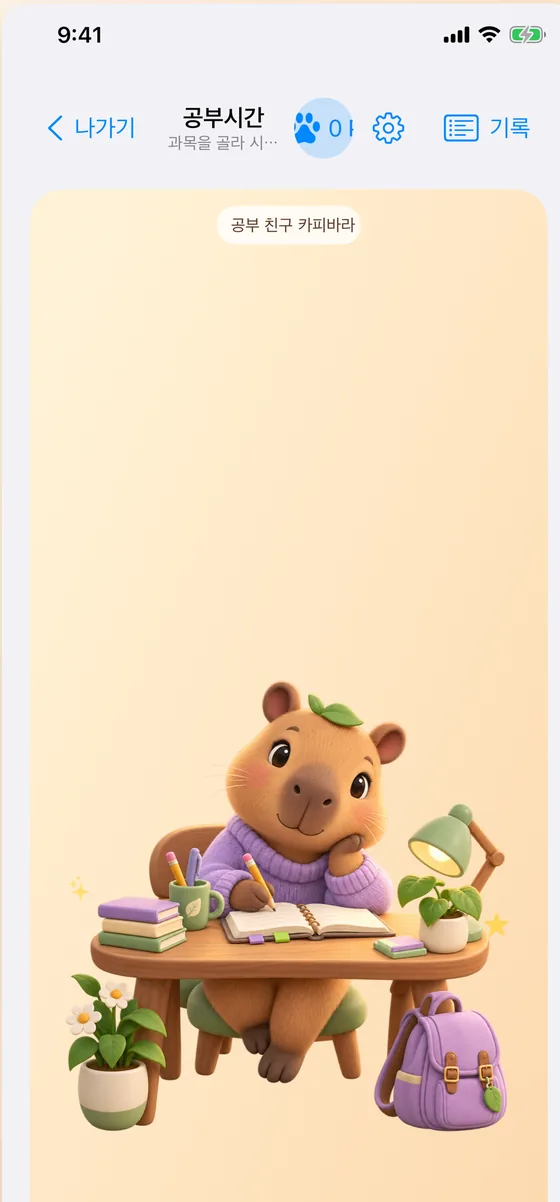
Gongbbang home Gongbbang vocabulary list Gongbbang flashcards Gongbbang study timer Gongbbang family chat Gongbbang arrival update
  1. See today's goalCheck progress and your next study task at a glance.
  2. Build your own listsOrganize words by book and day.
  3. Review with flashcardsListen, flip, and remember meanings and examples.
  4. Stay focusedA capybara study buddy cheers you on.
  5. Chat with familyTalk within a connected family group.
  6. Share arrival updatesFamily can see when a child reaches a saved place.
On the App Store

Download Gongbbang

Free for iPhone and iPad. Android is in preparation.

CrewsantSports · ski crew radio

Move together.
Stay connected.

Bring your ski crew into one room. Push to talk, check each other's location, and keep communication close at hand.

  • Push to talk
  • Crew invites
  • Crew location
  • Watch controls

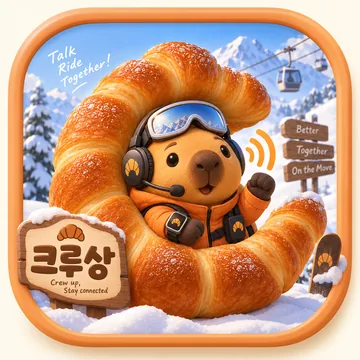
The scenes below are feature illustrations, not captured app screens.

Crewsant character in ski goggles and a headset
Create a crew
Invite friends with one link.
CREW·42
Share invite
Powder crew LIVE
M
Min · speakingOn the slope
Y
YuOn the lift
J
JiAt the base
● Hold to talk
MYJ
Crew locationThree members connected
Crewsant
TALK
MUTE
From your wrist
  1. Bring friends togetherOne link starts a crew.
  2. Push to talkYour voice reaches the crew while you hold the button.
  3. See crew locationFind each other on the slopes.
  4. Use your watchTalk or mute without taking off your gloves.
In beta testing

Get Crewsant

Store links will be enabled when the app is published.

BangshuttleGroup travel · bus quote comparison

Going together?
Ride with Bangshuttle.

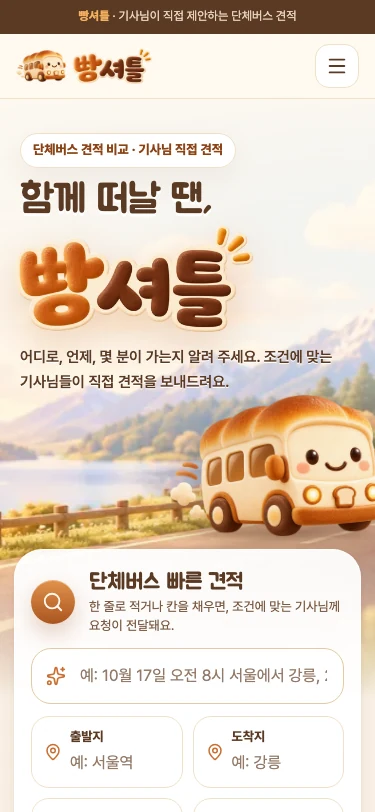
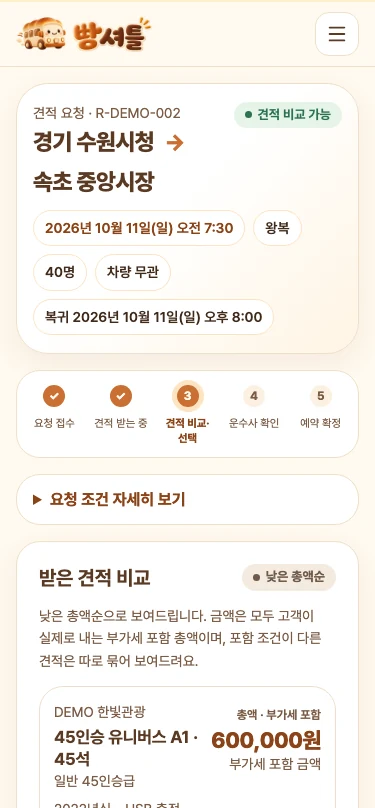
For workshops, school trips, clubs, and family travel: describe where and when you want to go, then compare quotes sent directly by drivers. Prices are shown side by side on a total-cost basis.

  • Quick quote request
  • Compare total prices
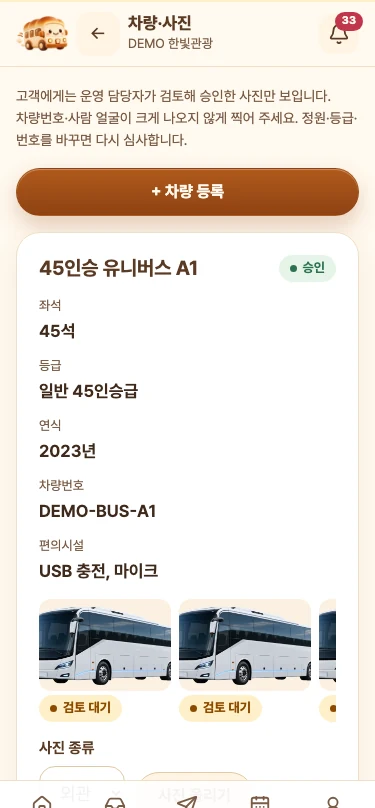
  • Vehicle choices
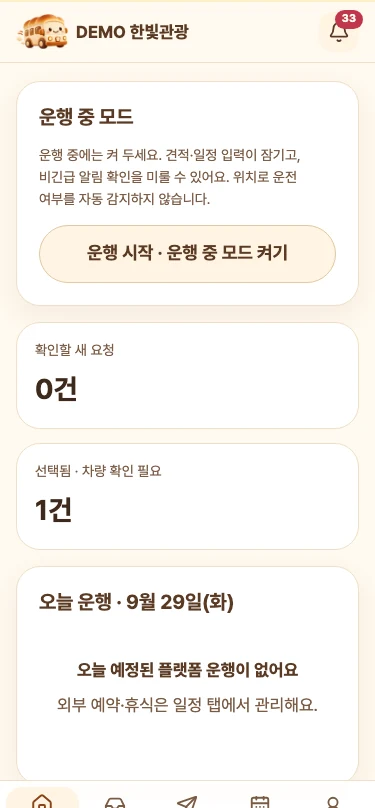
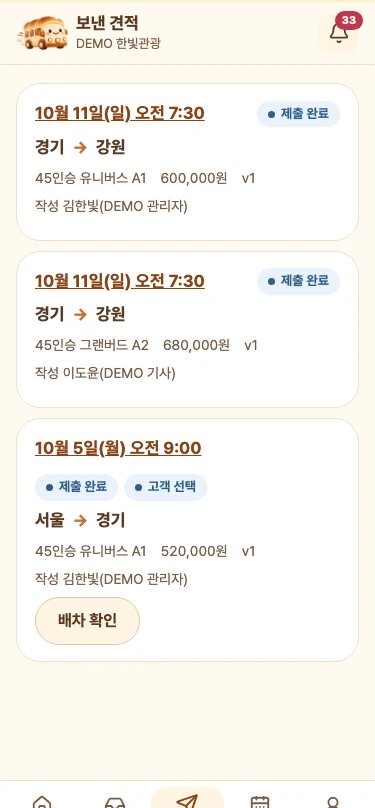
  • Driver app

Company names and prices in the screens are example data.

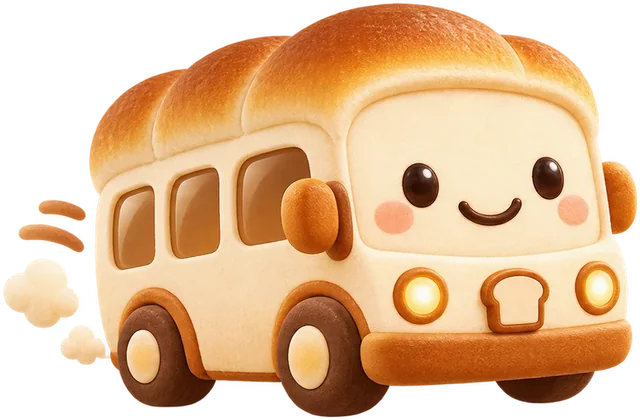
Bangshuttle logo in Korean

Which vehicle fits your group?

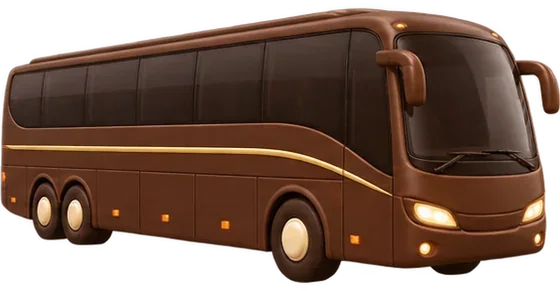
Standard coach40–45 seats · large groups
Mid-size coach25–28 seats · clubs and schools
Premium coach28 seats · more room for long rides
Van or limousineSmaller groups · family and VIP travel

Vehicle images are illustrations; check each quote for the vehicle actually offered.

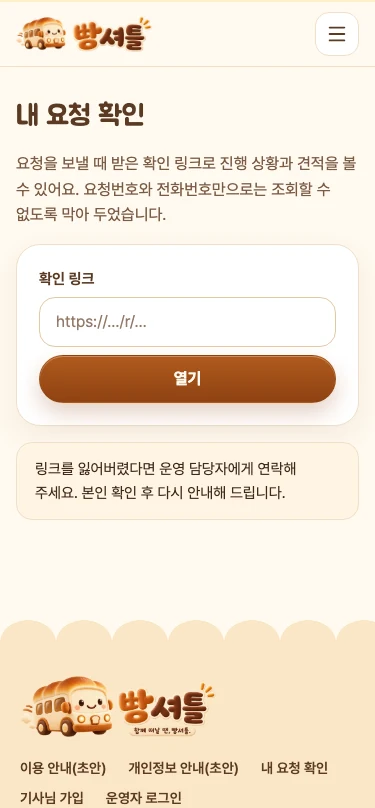
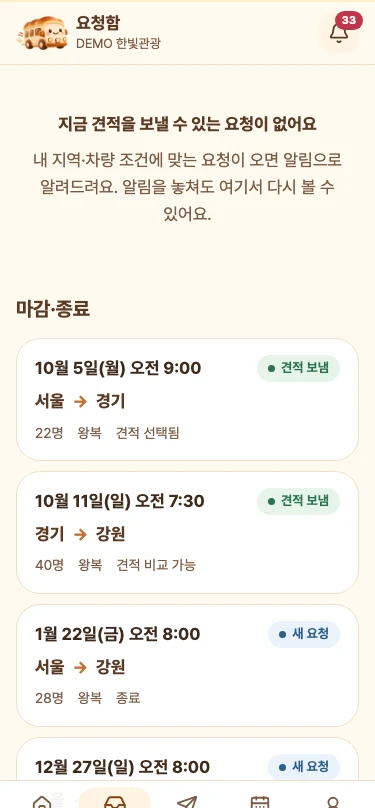
Bangshuttle customer home Bangshuttle quote comparison Bangshuttle driver app today Bangshuttle sent quotes Bangshuttle vehicle information
  1. Ask for a quoteEnter the route, date, and group size.
  2. Compare offersSee total prices and included items together.
  3. Drivers see what's nextNew requests and today's trips appear in the driver app.
  4. Quotes come from driversTrack submitted quotes and customer selections.
  5. Know the vehicleView approved photos, model years, and amenities.
In preparation

Get Bangshuttle

Store links for the customer and driver apps will open when published.

Download

Take an app
with you.

GongbbangLearning · on the App Store
CrewsantSports · crew radio
BangshuttleGroup travel · bus quotes